 WinDock
 MacDock
An independent macOS system on your Mac
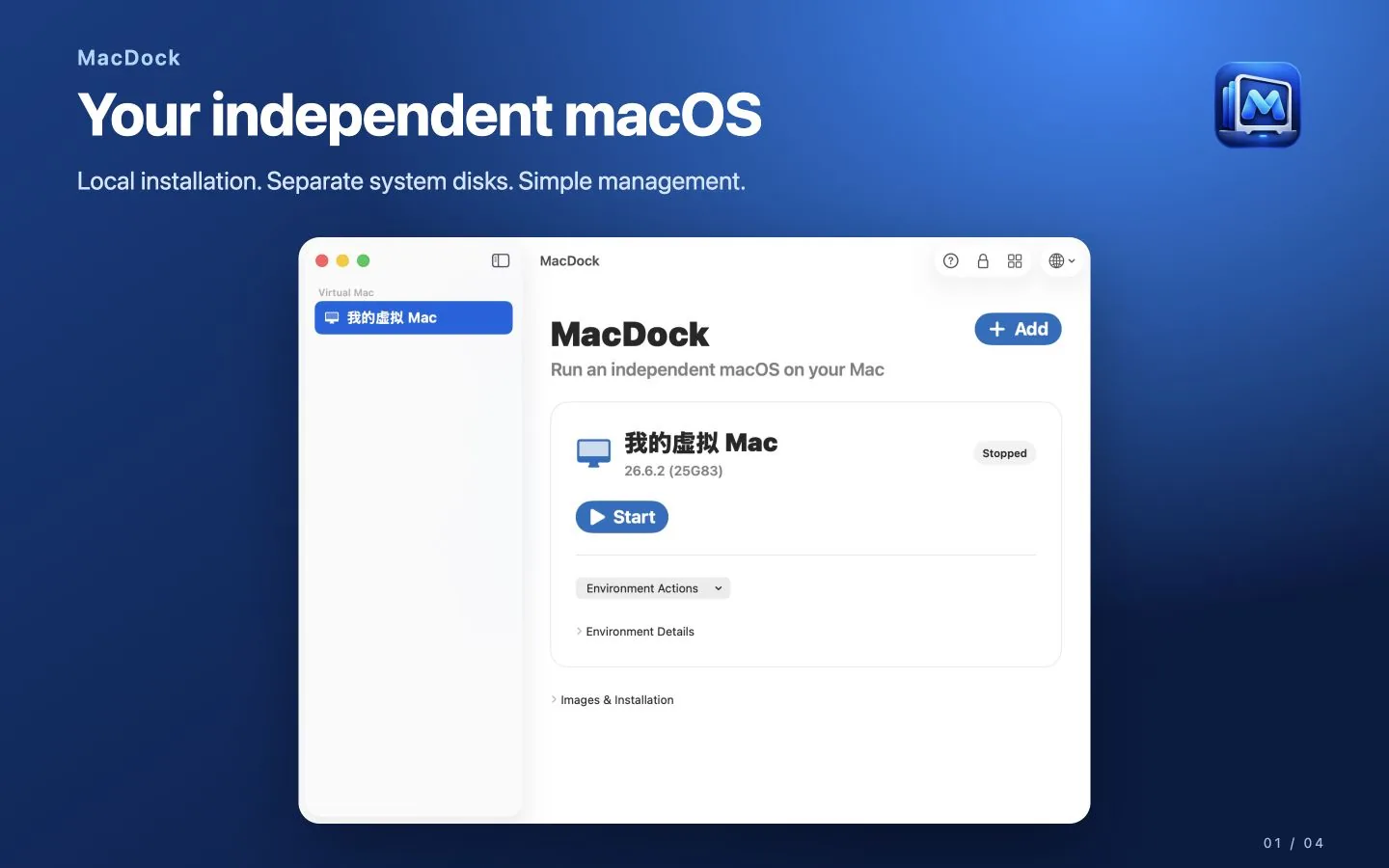
MacDock creates and runs local macOS virtual machines on Apple Silicon. Try new software, macOS versions and risky settings in a separate system — and return to a saved checkpoint when you are done.
7-day free trial · One-time purchase · No subscription
Everything you need to test safely
Install from IPSW
Install from a compatible local macOS IPSW, or download a compatible restore image through Apple's framework.
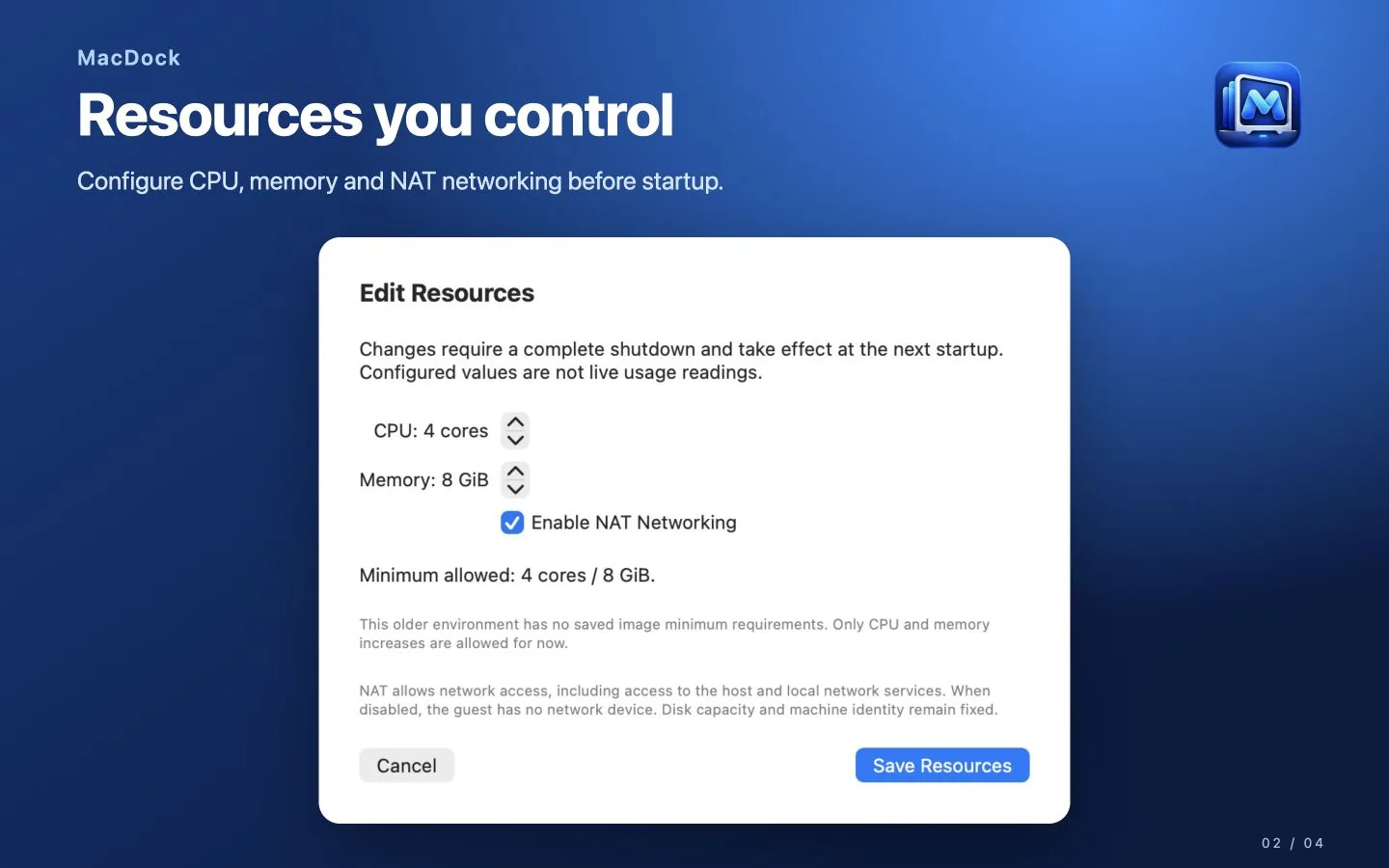
Resources you control
Set CPU cores, memory, disk capacity and NAT networking before starting.
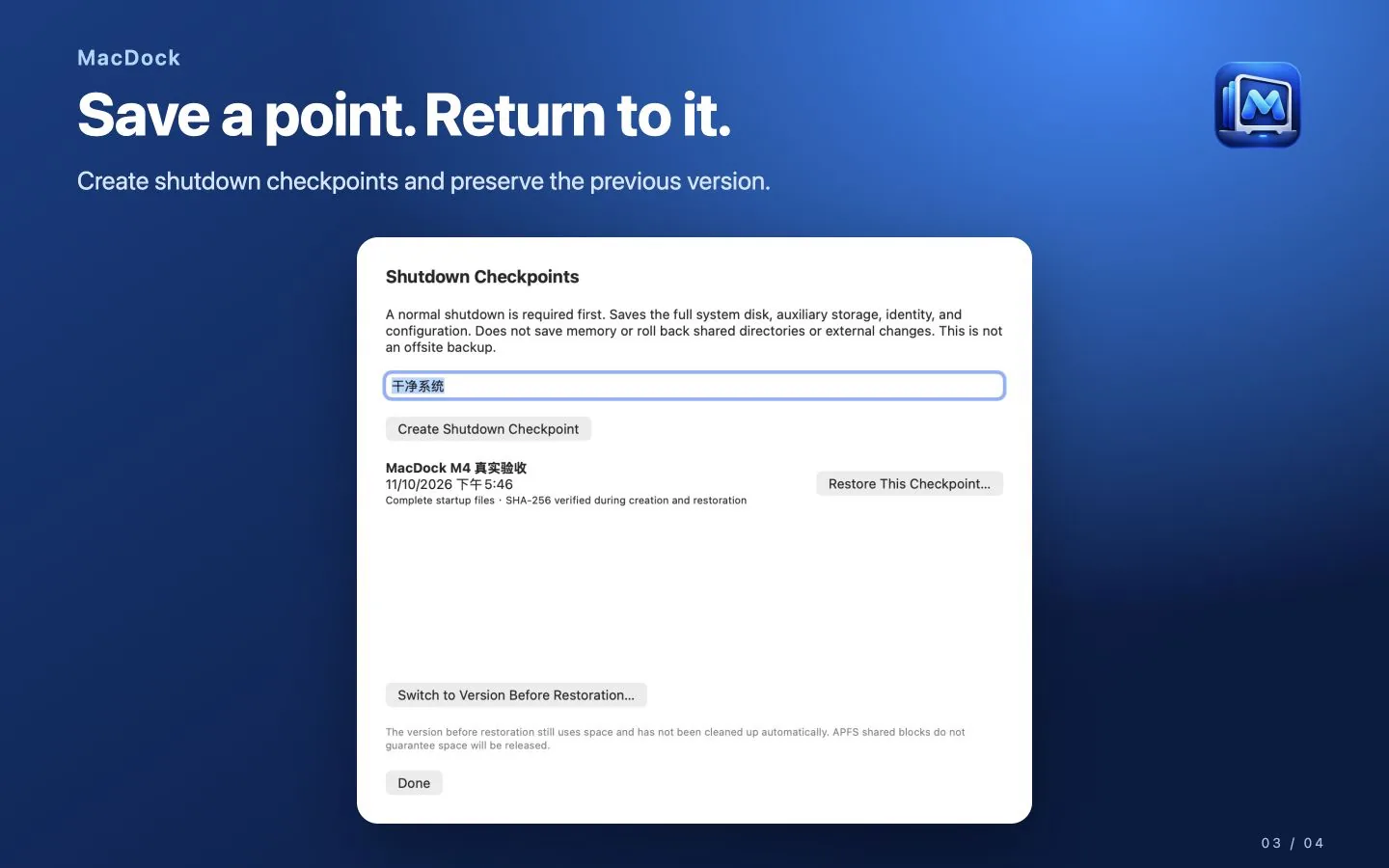
Shutdown checkpoints
Save a checkpoint after a clean shutdown and restore it later into a new version, while keeping the previous one.
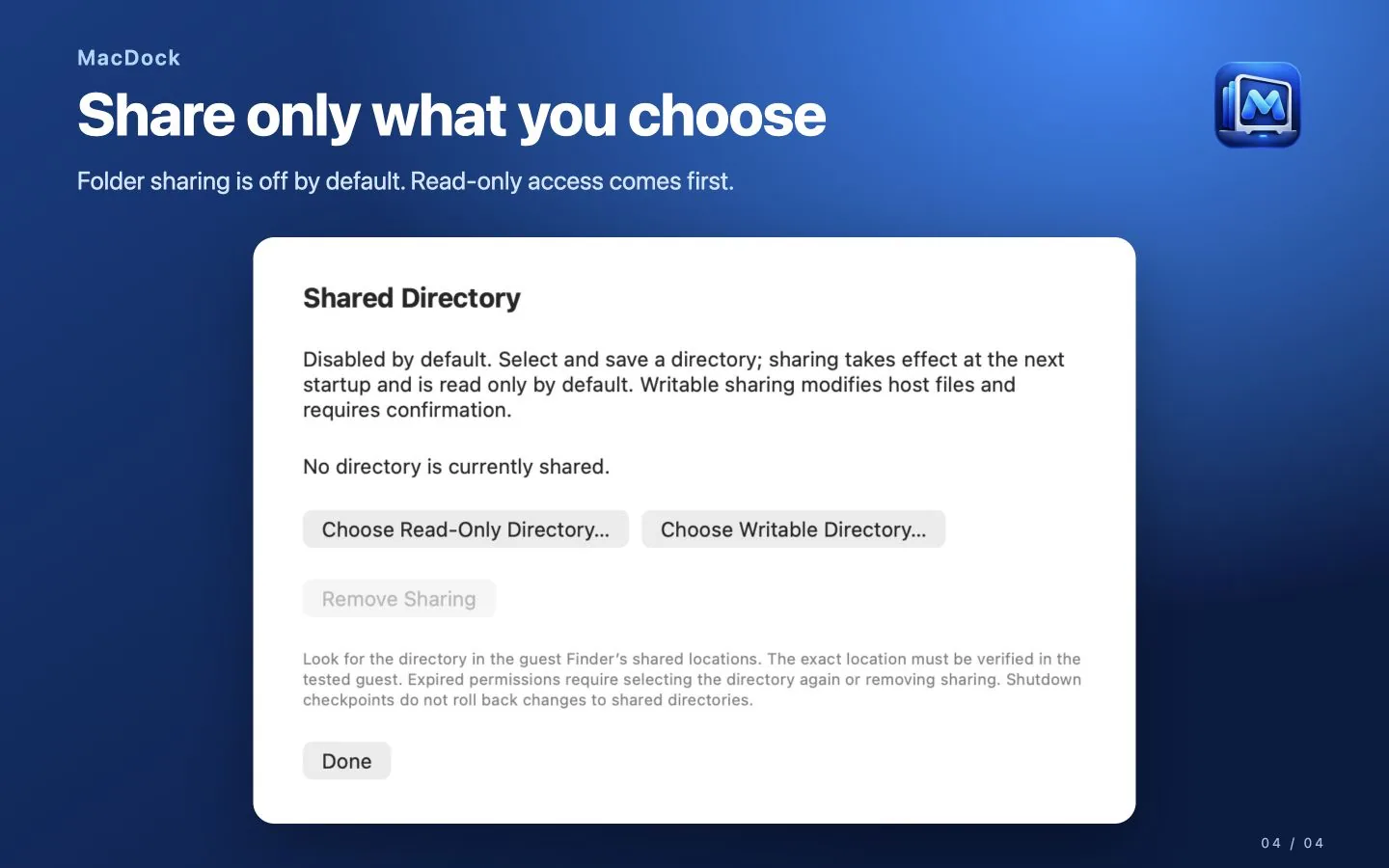
Share only what you choose
Folder sharing is off by default. When you share a folder, it starts read-only.
Simple controls
Start, pause, resume and request a normal shutdown. Closing the window hides the session without stopping it.
Stays on your Mac
Virtual machine files and diagnostics stay local. No automatic upload.
How it works
Choose a restore image
Select a compatible macOS IPSW, or download one through Apple's framework.
Set resources
Pick CPU cores, memory and disk size for the new environment.
Install and test
Complete macOS setup, then try software and settings freely.
Save a checkpoint
Shut down normally and save a checkpoint you can return to later.
Try for 7 days, keep it with one purchase
Claim the free 7-day trial for full access. A separate one-time lifetime purchase is US$9.99 in the US storefront; local prices are shown by the App Store. No subscription and no automatic charge.
Requirements
- A Mac with Apple Silicon (M1 or later)
- macOS 14 Sonoma or later
- A compatible macOS restore image (IPSW)
- Enough memory and free disk space for the virtual machine
Good to know
- Apple's virtualization allows up to two macOS virtual machines to run at the same time on one Mac.
- Some Apple services and hardware-dependent features are not available inside virtual machines.
- Checkpoints do not replace independent backups. Follow Apple's macOS license terms.
Related guides
Frequently asked questions
Can I run older macOS versions?
You can install any macOS version whose restore image is compatible with your Mac and the virtualization framework. Very old Intel-only versions cannot run on Apple Silicon.
What is a checkpoint?
A saved copy of the system disk, auxiliary storage, machine identity and configuration, taken after a clean shutdown. Restoring creates a new version and keeps the previous one.
Can I sign in with my Apple Account in the virtual machine?
Some Apple services are not available inside macOS virtual machines. Plan to test without features that depend on them.
How many virtual machines can I run?
You can keep several environments, but Apple allows at most two macOS virtual machines running at the same time.
Is MacDock a subscription?
No. It has a 7-day free trial and a one-time lifetime purchase.