 WinDock
 WinDock EXE
Run Windows programs on your Mac — without installing Windows
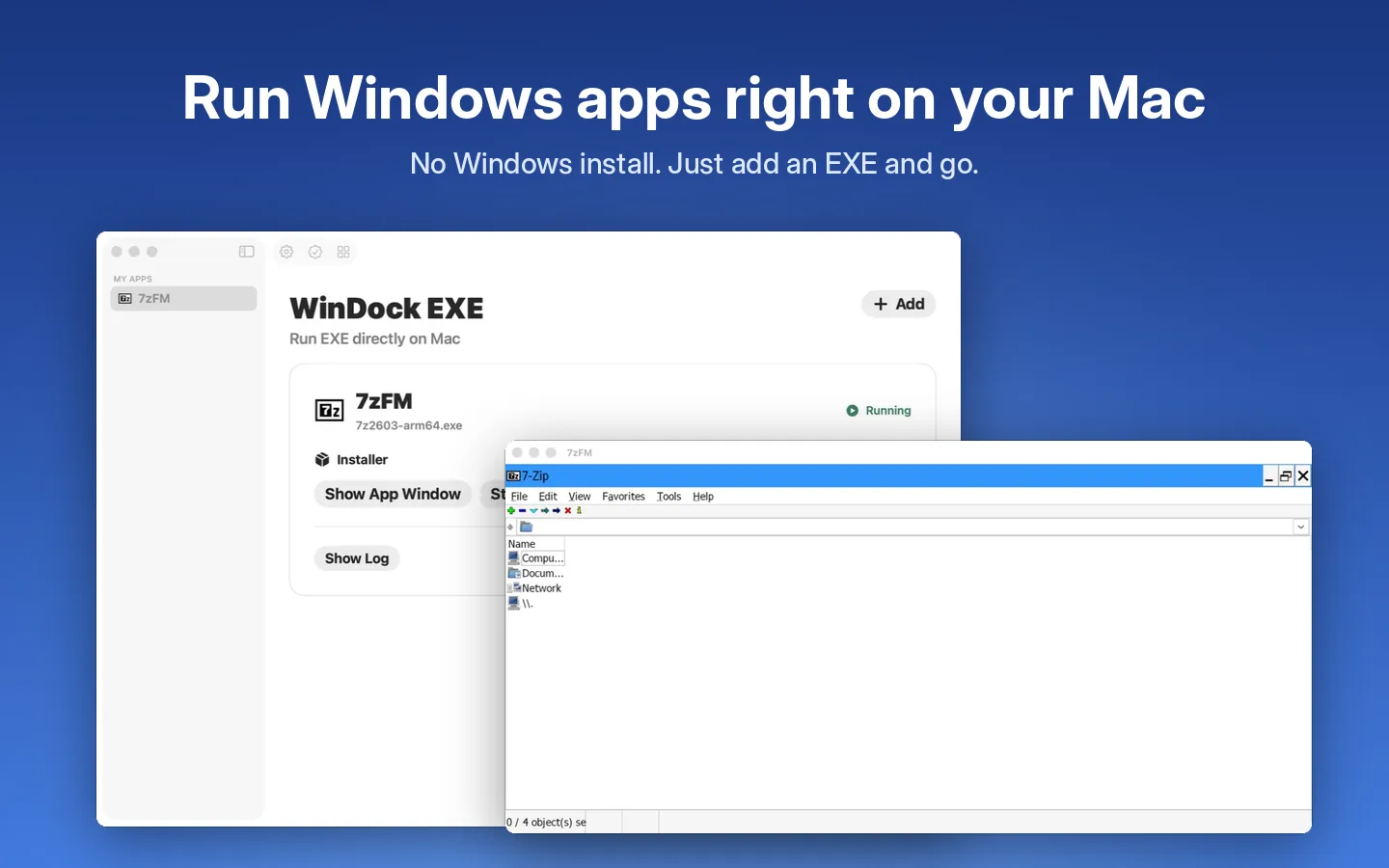
WinDock EXE opens compatible Windows programs directly on macOS with a built-in compatibility engine. Add an EXE or MSI file, install it once and run it like a Mac app.
7-day free trial · One-time purchase · No subscription
Windows programs that feel at home on macOS
Just add an EXE
Import EXE or MSI files. Run portable programs directly or install them once; WinDock EXE finds the installed program for you.
Its own Mac window
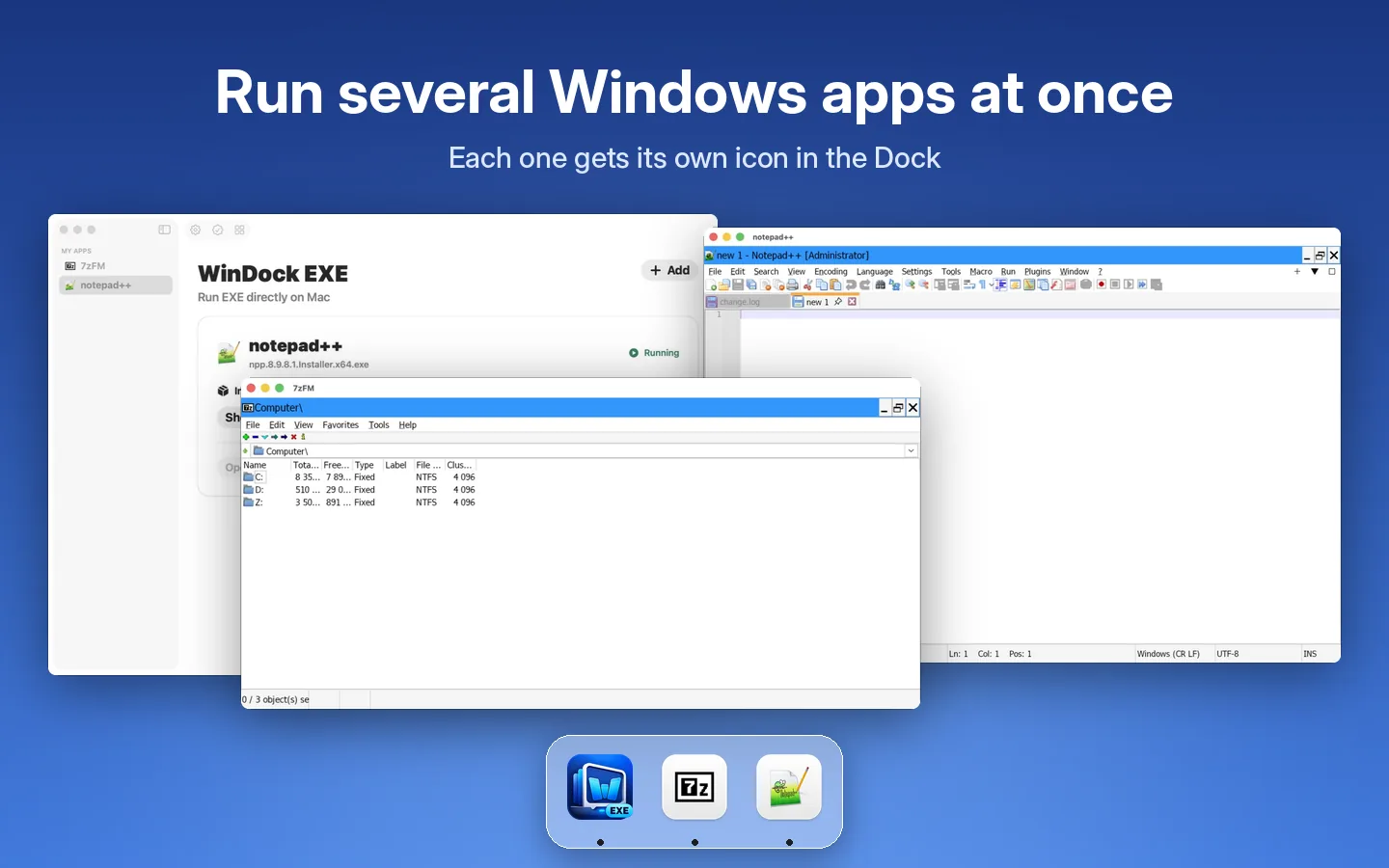
Every program opens in its own Mac window with its own icon. Run several programs at once, each in the Dock.
Mac folders as drives
Your Downloads folder is drive D: and you can add more folders in Settings. Drag a Mac file onto a program to open it.
Shared clipboard and input
Copy and paste between Windows programs and your Mac. Type with your Mac input method, including Chinese, Japanese and Korean.
Intel and ARM64 programs
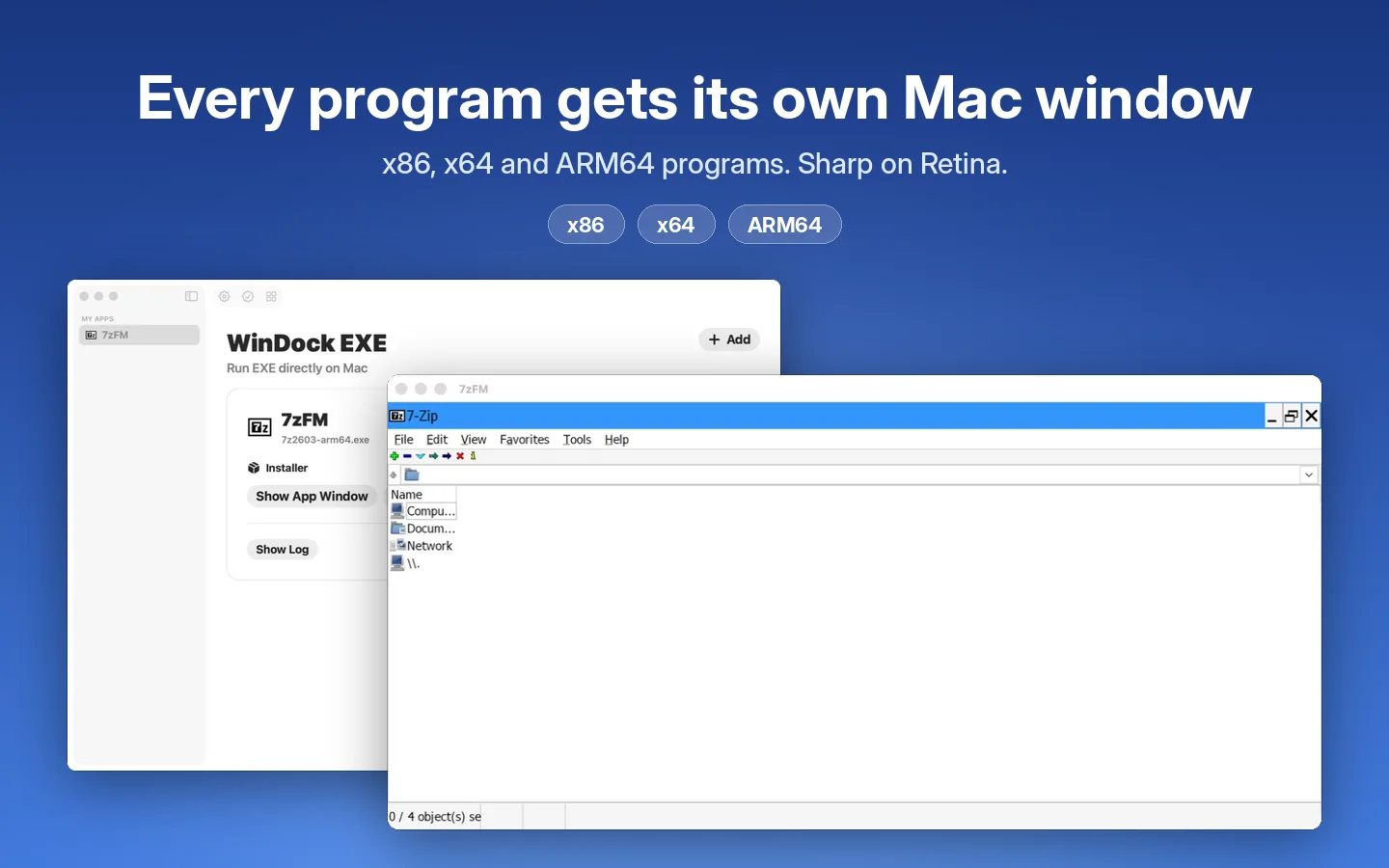
Runs x86, x64 and ARM64 Windows programs. Sharp on Retina displays, with an adjustable display size for each app.
One environment per app
Each program keeps its own environment. Rename, pin and sort your library, view logs and stop running apps.
How it works
Add a program
Click Add (+) or drag an EXE or MSI file into WinDock EXE.
Install once
Run the installer and finish its setup. WinDock EXE detects the installed program.
Run it like a Mac app
Next time, choose Run. The program opens in its own window with its own Dock icon.
Try for 7 days, keep it with one purchase
Start the free trial to test the programs you need. A separate one-time purchase unlocks WinDock EXE permanently. No subscription, and the trial never turns into a paid purchase by itself.
Requirements
- macOS 14 Sonoma or later
- Your own Windows program files (EXE or MSI) and any licenses they require
- On Apple Silicon, Rosetta may be required for Intel programs
Good to know
- Compatibility varies by program. Some programs may not install or run.
- Games, advanced graphics, drivers and every Windows framework are not guaranteed.
- Windows programs in WinDock EXE have no internet access.
- Need the full Windows desktop or a program that does not work? Use WinDock instead.
Related guides
Frequently asked questions
Can a Mac open .exe files?
Not natively — .exe files are Windows programs. WinDock EXE adds a compatibility engine so many of them run directly on macOS without installing Windows.
Do I need Windows or a Windows license?
No. WinDock EXE does not install Windows. You only need the program files and any license the program itself requires.
Should I download the x64 or ARM64 version of a program?
WinDock EXE supports x86, x64 and ARM64 Windows programs. If one edition does not install, try the other.
Can I play Windows games?
Simple games may work, but games that rely on advanced 3D graphics or anti-cheat software are not supported.
What is the difference between WinDock EXE and WinDock?
WinDock EXE runs individual programs without Windows. WinDock runs a complete Windows 11 virtual machine, which is more compatible but needs a Windows ISO and more disk space.